Most website monitoring tools were built by engineers solving an abstract problem. SiteVitals was built by an agency solving a real one. Here's what makes us different.
1. It comes from 20 years of running an agency
Built by people who have been running a web agency since 2007. Every feature exists because we've experienced it... A cert or domain expiring over a bank holiday, a plugin update that tanked PageSpeed, a template change that wiped the structured schema markup. It's not a product built from a spec sheet. The depth of what it monitors reflects two decades of knowing exactly what goes wrong with real websites for real clients.
2. The AI-ready API
There's a REST API allowing you to pull health data for your monitored pages into your own tools, dashboards, or workflows. This also makes your raw metrics and site change history easily available to AI tools and agents to analyse and advise on.
Just call your page's health endpoint:
GET /api/v1/pages/{id}/health
And receive a cool looking payload with a rich bunch of data. Check out our API docs for more specifics.
SiteVitals also monitors your site's AI readiness. Things like llms.txt, schema markup, and whether AI tools can actually parse and index your content. As clients increasingly ask about visibility in AI search, this is monitoring that's already ahead of the question.
3. Priced per page, not per seat
It's priced per page monitored, not per person who looks at the data. So you can give a client read access to their own dashboard, loop in a developer, a project manager, whoever no extra cost.
For anyone who's ever had to justify adding a team member to a monitoring tool, the difference is immediately obvious. You can also share a live public report link with anyone who doesn't need a login at all.
4. Change Intelligence
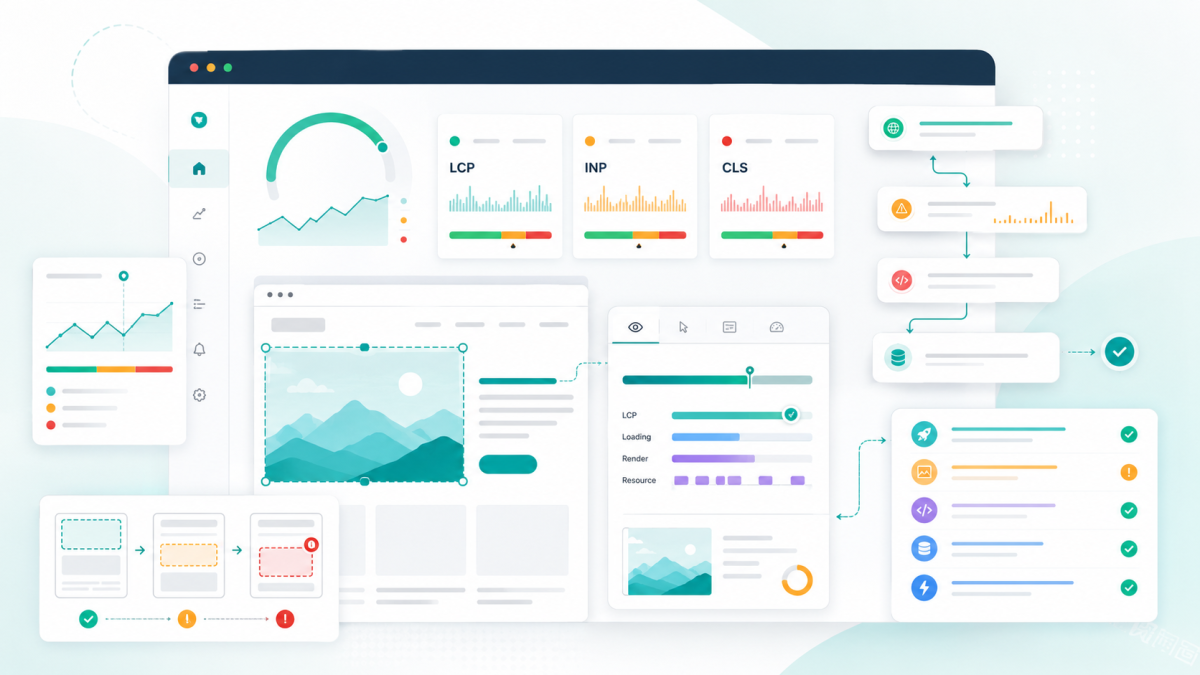
Most monitoring tools tell you that something broke. SiteVitals tells you when it broke, and lets you correlate it against everything else that was happening at that time; a deployment, a content edit, a security score change. You get a shared timeline across uptime, SEO, security, performance, and content. You can add your own entries too, for example when plugin updates are run, or when a new campaign launches and large copy changes are made. So "something went wrong last Tuesday" becomes "here's what changed, in order, with timestamps."
That's the feature that's hard to appreciate until you've spent an afternoon reconstructing events from memory and email trails.
You can run a free health scan on any site with no account needed, which is the quickest way to see what it does: sitevitals.co.uk

By Tom Freeman · Co-Founder & Lead Developer
Full-stack developer specialising in high-performance web applications and automated monitoring.
Share this post
Stay in the loop
Get new posts delivered to your inbox. No spam, unsubscribe any time.