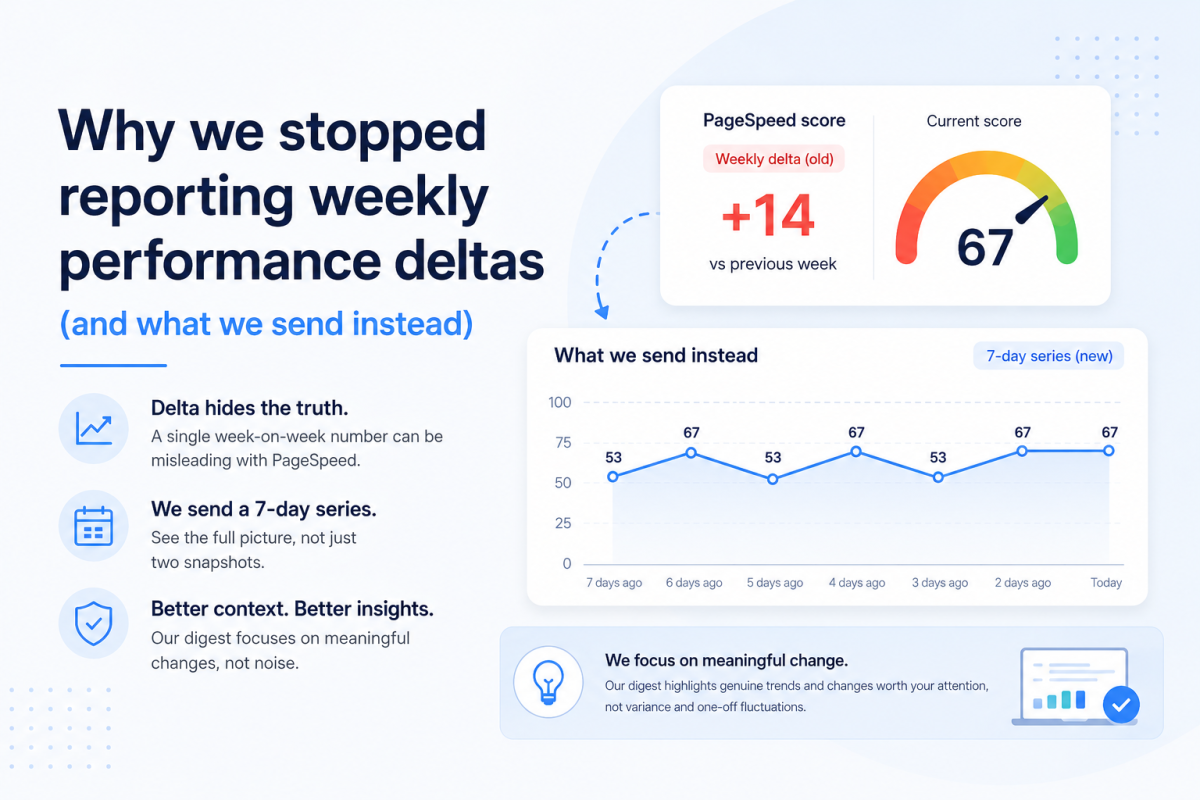
You run a performance test. It tells you your Largest Contentful Paint is slow. Your CLS needs improvement. There's a red warning. Possibly a little triangle. Maybe a score that makes you feel you've failed an exam you didn't know you were sitting.
Then comes the obvious question: what do I actually fix?
Tools like PageSpeed Insights do give you more than just a score. They show you the LCP element, a breakdown of which phase took longest, and a list of diagnostics. In that sense, they're not being silent about the cause.
The harder problem is what to do with that information.
It's a little like taking your car to a garage and being told: "It's the front suspension — near side." More specific than "it's making a noise." Still not quite a repair manual.
The problem with a standard performance score
Knowing that your dominant LCP delay is in the render phase is genuinely useful — but it still covers a lot of ground. A slow render can be caused by several very different things.
- A web font holding up a heading
- Render-blocking CSS
- JavaScript delaying when content appears
- An animation that delays the main element being painted
Each of those produces the same headline and the same phase breakdown. They do not have the same fix.
The same is true of CLS. A poor layout-shift score might come from images with no dimensions, an advert appearing late, a cookie banner pushing everything down, a font changing after load, a carousel resizing itself, or content being inserted above something the user was already trying to read.
"Render delay" is a phase. What people actually need is a starting point.
So we've made the SiteVitals reports more useful
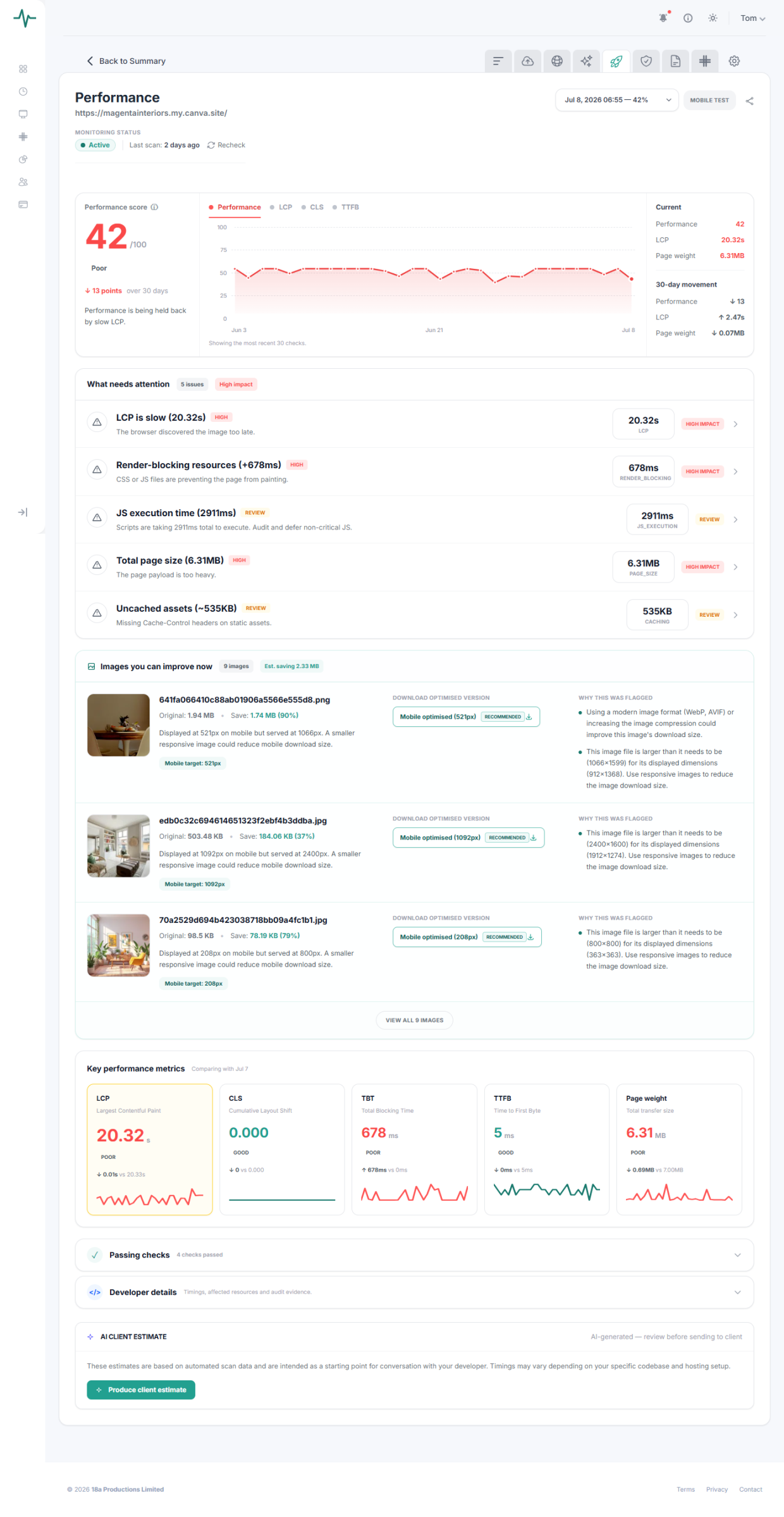
Our updated performance reporting is designed to narrow down where to look, not just confirm that something is wrong.
For LCP, SiteVitals can now show:
The affected element
The part of the page identified as the largest visible content.
The element type
Whether it appears to be text, an image or a larger hero area.
The dominant delay
Whether the main problem happened during server response, discovery, download or rendering.
The best first fix
A prioritised place to begin, based on the element type and the dominant delay phase.
Instead of only seeing
"LCP: 4.2s — render delay dominant"
You might now see
The largest visible element is a paragraph of text. Most of the delay happened during the render phase. Check whether its web font is loading late, whether CSS is blocking the paint, or whether JavaScript or animation is delaying when it becomes visible.
That is a much better place to start.
You know which element is involved. You know what phase the problem is in. And you know which of several possible causes to investigate first.
We've done the same for layout shift
The CLS panel now explains what the score means and suggests likely causes.
Where SiteVitals detects unsized images, it will point you towards reserving space with accurate image dimensions or aspect ratios.
Where no unsized images are found, it will suggest other common causes, including:
It also makes an important distinction.
Sometimes we can identify the likely cause directly. Sometimes the data only tells us where to investigate next.
We would rather be clear about that then pretend a performance report has been amazing because it found a CSS selector.
Because "render delay dominant, score 47" is information.
"Here's the element involved, here's what that phase of delay usually means, and here's what to check first" is help.

By Tom Freeman · Co-Founder & Lead Developer
Full-stack developer specialising in high-performance web applications and automated monitoring.
Share this post
Stay in the loop
Get new posts delivered to your inbox. No spam, unsubscribe any time.