When we launched the SiteVitals AI Audit extension for Firefox back in April, we mentioned a Chrome version was on the way. It's here.
The SiteVitals AI Audit extension for Chrome is now live in the Chrome Web Store — same audit panel, same instant feedback, now in the browser most of you are actually using day to day.
Install it here → Chrome Web Store
What it does
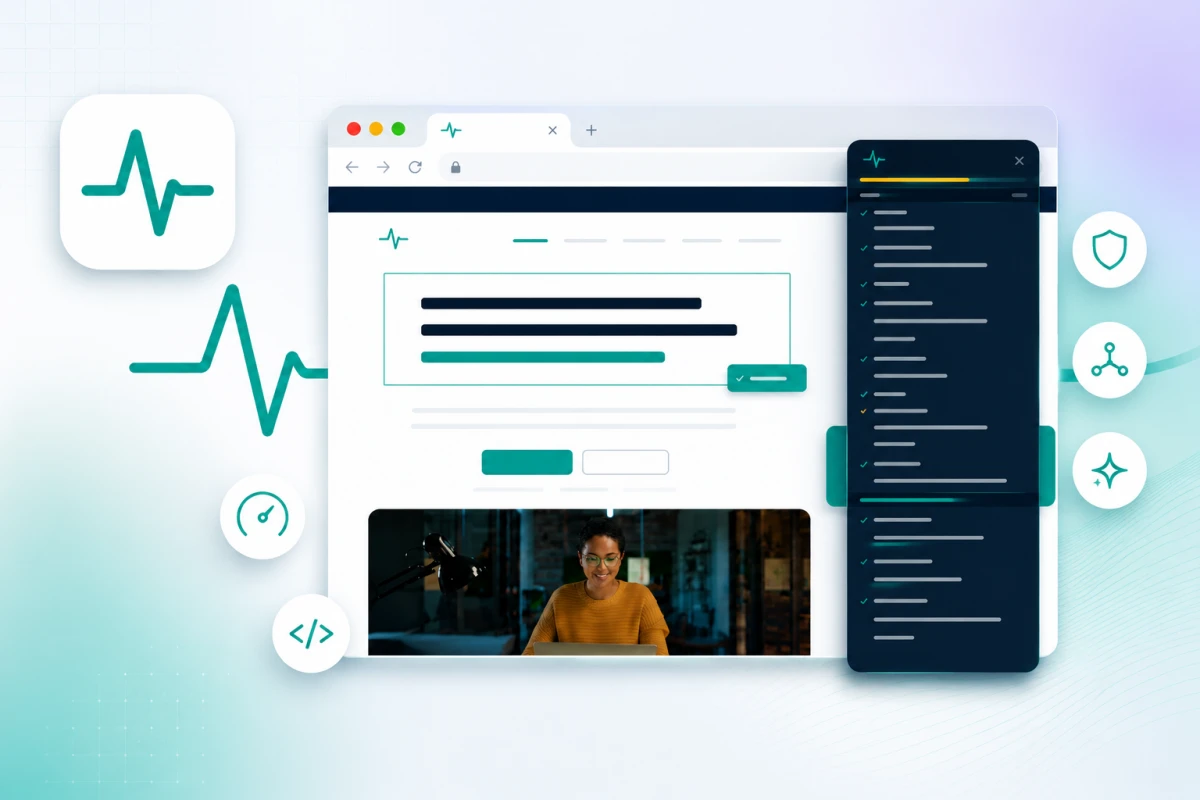
If you've used the Firefox version, you'll feel right at home. Click the toolbar icon and a side panel opens on the page you're already looking at — no copying URLs, no switching tabs, no waiting for a separate check to run.
The panel covers the signals that matter for AI search readiness: structured data, semantic HTML, E-E-A-T signals, content structure, accessibility, Open Graph tags, and more. Hover over any item for inline feedback, or click a warning to jump straight to the offending element on the page.
Everything runs in your browser. No account needed, no data sent anywhere.
Why Chrome matters
Firefox users unfortunately only make up about 2% of users. Chrome on the other hand makes up 70% and is where the majority of developers, SEOs, and agency teams spend their day. Having the extension available there means it fits into existing workflows without asking anyone to switch browsers — which, let's be honest, nobody is going to do.
If you've been waiting for the Chrome version, this is it.
Get it
- Chrome: Install from the Chrome Web Store
- Firefox: Install from Mozilla Add-ons
It's really quick to use. Just install and start auditing.

Articles written collaboratively by the SiteVitals team.
Share this post
Stay in the loop
Get new posts delivered to your inbox. No spam, unsubscribe any time.