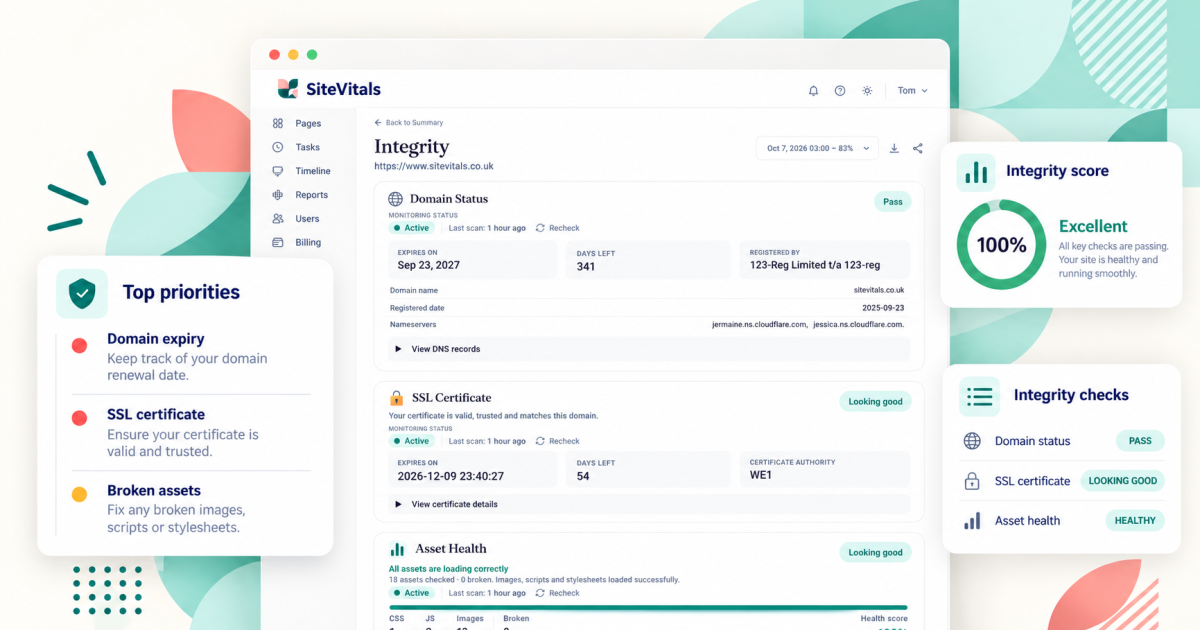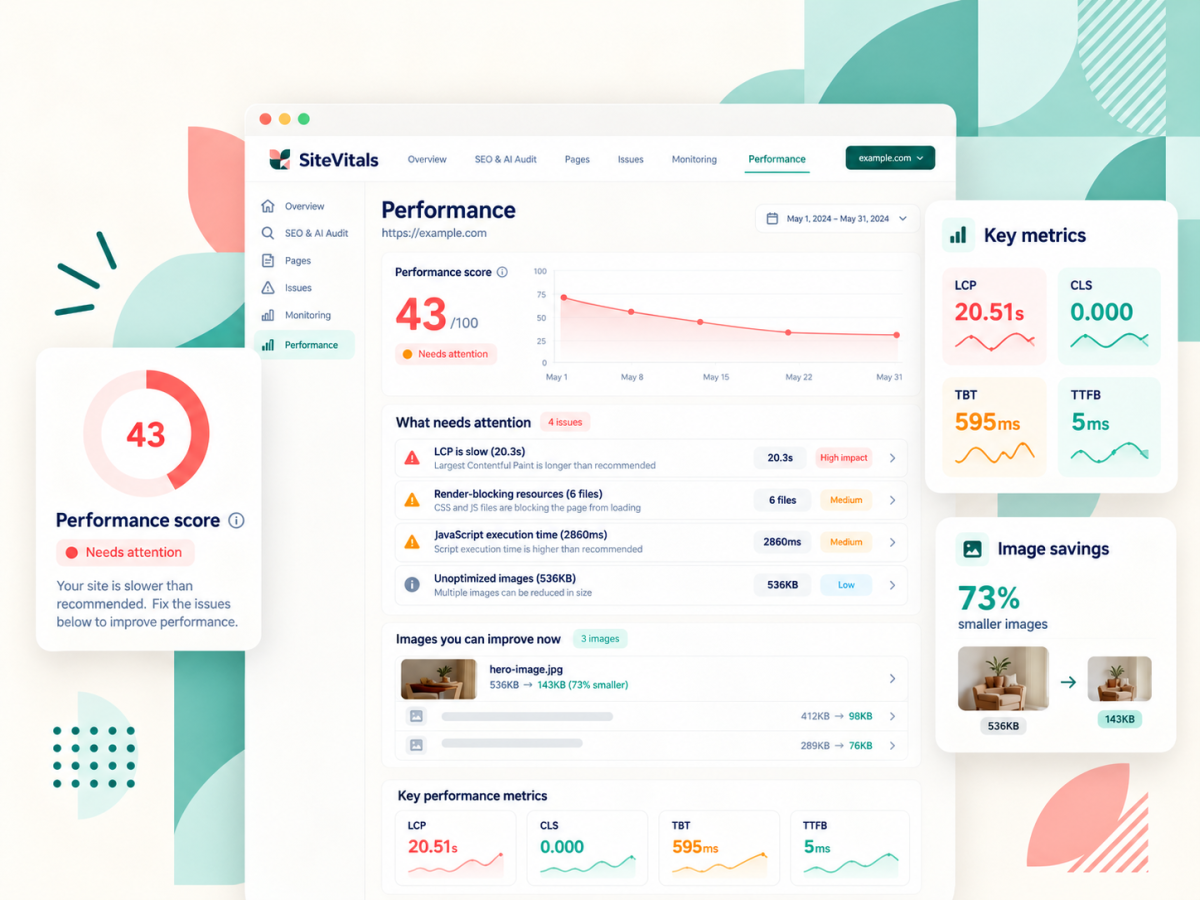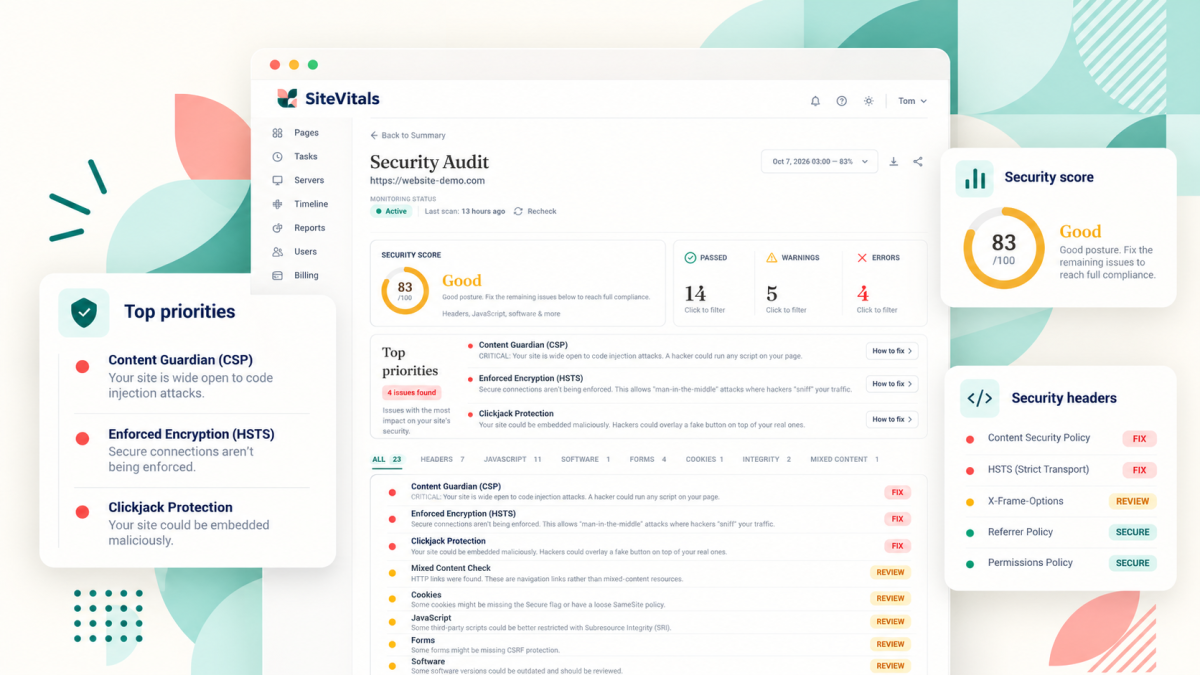
If the SEO dashboard is jargon-heavy, the security one is worse. HSTS, CSP, SameSite, CVE... it reads like someone tipped a bag of Scrabble tiles onto the screen. And the frustrating thing is that most of it really does matter, but none of it is visible. Your site can look absolutely fine to you and your visitors while missing half the protections browsers expect it to have.
So, same as the SEO article, this goes through what the Security report checks, what each thing means in normal words and when a flag deserves your attention. There are dozens of individual signals underneath, but they fall into eight areas:
- HTTPS redirect
- Security headers
- Cookie security
- JavaScript patterns
- Forms and reflected input
- Mixed content
- Suspicious embeds, hidden frames and redirects
- Software versions and known vulnerabilities
(If you've already read the SEO one, you'll spot a couple of repeats - HTTPS and mixed content turn up in both, because they matter for both.)
How to read your results
Two things worth knowing before you start.
First, not every flag is equally serious. Some checks are scored, and a fail there is something we think you should deal with (a site that doesn't redirect to https, for example, is treated as high severity). Others are advisory or informational - they're there because they're good practice or useful to know, not because your site is at risk.
Second, this is a health check, not a hacking test. We read what your website sends to a browser - the page itself, the headers that come with it, the cookies it sets - and look for known weak spots and warning signs. We don't try to break in, and we're not a malware scanner. So a clean report means you've got the basics in place, which is a big deal (plenty of problems start with exactly these gaps), but it isn't a guarantee that nothing's wrong. If you think your site has been hacked, that's a job for a specialist.
HTTPS redirect
We check that if someone visits the old http:// version of your address, they're automatically sent to the secure https:// version. Without that redirect, people can end up on an unencrypted version of your site, where anything they type (a contact form, a login) travels across the internet in plain text that can be read or tampered with along the way. That's why we treat a missing redirect as high severity.
The good news is it's usually a quick fix - a setting in your hosting control panel or your CDN (content delivery network - the layer that sits between your visitors and your server), or a line in your server config.
Security headers
Every time a browser loads your page, your server sends a little bundle of instructions along with it, called headers. You never see them, but some of them tell the browser how to protect your visitors - which scripts it's allowed to run, whether the page can be embedded somewhere else, how much information to share with other sites. These are security headers, and it's really common for a site to be missing a few.
(They're usually set on your server, your hosting or your CDN rather than in the website itself. If you're on WordPress, a security plugin or a word with your host is normally the way in.)
Content-Security-Policy (CSP)
A CSP is basically a guest list for your page. It tells the browser which sources of scripts, images, styles and so on are allowed, and anything not on the list gets turned away at the door. So if someone manages to slip a nasty script onto your page, a good CSP can stop it running.
We check you have one, that it covers scripts (through a script-src or default-src rule), and we warn if it allows unsafe-inline or unsafe-eval - two settings that open the door back up to the kind of script the CSP is meant to stop. We also look for Trusted Types, a newer extra layer of protection that some modern sites add on top.
CSP is one of the fiddliest things on this list, if I'm honest. Get it wrong and you can break your own site (analytics stops recording, a chat widget vanishes), so it's worth building and testing carefully rather than copying one off the internet.
(The technical bit: you can run a CSP in report-only mode first, which tells you what it would have blocked without blocking anything.)
HSTS
HSTS (HTTP Strict Transport Security, which is a mouthful) tells browsers to only ever connect to your site over https, even if someone types http or clicks an old link. Once a browser has seen it, it won't even try the insecure version, which closes a small gap the redirect alone leaves open.
We check it's there, that it lasts at least a year (that's the max-age setting), and that it includes includeSubDomains so it covers things like shop.yoursite.com too (make sure every subdomain works on https before you add that one). We also note if you've added preload, which puts your site on a list built into browsers. That's optional, and worth reading up on first, because it's slow to undo.
X-Content-Type-Options
This one's quick to set. With a value of nosniff, it stops browsers trying to guess what type a file is and, in the process, being tricked into running something as a script that was never meant to be one. We check it's there and set to nosniff.
X-Frame-Options
This stops other websites putting your page inside a frame on theirs. Why would that matter? Because it's how clickjacking works - someone loads your real page invisibly on top of theirs and tricks people into clicking buttons they can't see. We check it's set to DENY (never allow framing) or SAMEORIGIN (only allow it on your own site).
Referrer-Policy
When someone clicks a link from your site to another one, their browser can tell the destination where they came from, sometimes including the full address of the page they were on. That's usually harmless, but full addresses can include things you'd rather not pass on (search terms, account pages, reset links). Referrer-Policy controls how much gets shared. We check you have one and that it's set to one of the stricter options.
Permissions-Policy
This lets you switch off browser features your site doesn't need - things like the camera, microphone or location - so nothing on your page (including third-party scripts) can ask for them without you knowing. We check you have one, and specifically whether it turns off browsing-topics, an advertising feature in Chrome that works out what a visitor is interested in and shares it with ad tech. Switching that off is a privacy choice as much as a security one.
X-XSS-Protection
This is an old header from the days when browsers had their own built-in filter for one type of attack (cross-site scripting, or XSS, where someone gets their own script running on your page). Those filters turned out to cause problems of their own, and modern browsers have dropped them. So the current advice, and what we look for, is to set it to 0 (off) and rely on a good CSP instead.
Cookie security
Cookies are small bits of data your site stores in a visitor's browser - keeping them logged in, remembering what's in their basket, that kind of thing. Because some cookies are effectively a key to someone's account, browsers offer a few settings to protect them, and we check every cookie we receive during the scan for them:
- Secure, which means the cookie is only ever sent over https
- HttpOnly, which stops scripts on the page reading it (so a rogue script can't grab someone's login)
- SameSite, which controls whether the cookie gets sent along when a request comes from another site - it helps protect against a type of attack where another site tricks a visitor's browser into doing something on yours (cross-site request forgery, if you want to look it up)
For SameSite we accept Lax, Strict or None, and you'll see an advisory note if it's Lax rather than Strict. Lax is a sensible default for lots of sites, so treat that note as something to consider rather than a problem to fix.
(The technical bit: if a cookie uses SameSite=None, we also check whether it has the Partitioned attribute - sometimes called CHIPS - which keeps that cookie separate for each site it's used on.)
JavaScript patterns
JavaScript is the code that makes your page do things - menus, sliders, forms, tracking. Most of it is fine, but some ways of writing it are risky, and some are a classic sign that someone's trying to hide what their code does. We read through your page's source looking for both.
On the risky side, that means techniques that take a piece of text and run it as code - eval(), new Function(), document.write(), and setTimeout() or setInterval() when they're given text instead of a function. If an attacker can get their own text into one of those, it runs. We also look for inline event handlers (bits of code stuck straight onto an element, like onclick or onerror) and javascript: links. Neither is dangerous on its own, but both make your site much harder to protect with a CSP.
On the hiding side, we look for long chunks of Base64-encoded JavaScript (Base64 is a way of turning code into a jumble of letters and numbers), hex or URL-encoded scripts, and unusually large inline scripts that look deliberately scrambled. Legitimate code does get compressed, but properly disguised code on a normal business site is a reason to ask some questions.
To be clear about what this is, it's pattern spotting, not malware analysis. A flag means "this is worth a look", not "you've been hacked". Lots of perfectly innocent plugins still use older techniques like document.write(), and we already filter out some known harmless scripts (certain WP Rocket ones, for example) so they don't clutter your report.
Forms and reflected input
Forms are where your visitors type things into your site, which makes them a favourite target. We look at two things here.
The first is suspicious markup in your forms - database command words like select, insert, update, delete or drop turning up inside a form field's settings, where they've got no business being. That can be a sign someone's been tampering with the page, or just of an oddly built form. Either way it's worth a look.
The second is reflected input. That's when something from the web address (the bit after the ? in a URL) gets copied straight back into a form on the page. If a site does that without cleaning it up first, someone can craft a link that injects their own content or script into your page and send it to your customers. So we check whether values from the URL are turning up in your forms.
You might also see notes about password autocomplete settings, or form fields without a name. Those are informational - useful housekeeping, but we don't treat them as security problems.
Mixed content
Same check as in the SEO report, for a slightly different reason. If your page is secure (https) but still loads images, scripts, stylesheets or other files from insecure http addresses, those files can be read or swapped on the way to your visitor, which undermines the whole point of having https. We look through the page for anything still loading over http and treat finding it as high severity, because an insecure script in particular could be replaced with something else entirely.
Suspicious embeds, hidden frames and redirects
(In the dashboard this sits under Page Integrity.)
An iframe is a window on your page that shows content from somewhere else - a YouTube video, a booking calendar, a map. Most iframes are perfectly innocent. But they're also one of the ways a compromised site gets content injected into it, and the usual way clickjacking is done, so we look for the warning signs:
- iframes that run code directly (javascript: or data:text/html addresses) or carry their own built-in HTML, especially if there's a script in it
- hidden iframes loading content from somewhere we don't recognise
- transparent iframes or overlays that can still be clicked, which is the shape clickjacking takes
We recognise a long list of legitimate services - Google, YouTube, Vimeo, Facebook, LinkedIn, Calendly, HubSpot and others - and treat them as informational rather than flagging them. We also know about the hidden iframe Gravity Forms uses to send forms in the background, so that one doesn't get flagged either.
Then there are meta refresh redirects - a bit of code in the page that sends visitors somewhere else after a few seconds. A redirect to another page on your own site is informational. But a redirect that runs code or carries embedded content, goes to a site we don't recognise, or whisks people off to another site after a very short delay is the kind of thing that turns up on hacked sites, so those get flagged.
Software versions and known vulnerabilities
Your website is built on layers of software - WordPress, perhaps, running on PHP, served by Apache, Nginx or LiteSpeed, maybe sitting behind Cloudflare, with libraries like jQuery, Bootstrap, Vue or React in the page. Every one of those gets security fixes from time to time, and old versions with known holes in them are one of the most common ways sites get broken into.
So we try to spot which of those your site is using and, where we can tell, which version. If we can see the version, we compare it with the latest release and warn you if you look to be behind. Then we check it against public vulnerability databases (OSV, and data based on the NVD - the US national list of known security flaws). If there are known issues, we show you the CVE (the reference number every publicly known vulnerability gets) and, where it's available, the version that fixes it.
The "where we can tell" bit matters. Plenty of sites hide their version numbers, which is good practice, and in that case we can't compare - so no warning here doesn't always mean you're up to date. It's still worth knowing what you're running and making sure updates are happening.
What to fix first
Start with anything high severity - no https redirect, mixed content, known vulnerabilities in software you're running. Those carry the clearest risk and usually have the clearest fix. Then work through the security headers, which are often one job for whoever looks after your hosting (and a good list to hand to your developer). Advisory and informational notes can wait, and some of them may stay as they are for perfectly good reasons.
If most of this feels like someone else's territory, that's because it often is - a lot of these fixes live on the server rather than in your website, so they're for your developer or your host. Send them the report. And if something on it still doesn't make sense, drop us a line and we'll explain it (and probably add it here too).

By Lisa Freeman · Co-Founder
Industry veteran with 25+ years experience in web development and client experience.
Share this post
Stay in the loop
Get new posts delivered to your inbox. No spam, unsubscribe any time.